Book Flip / Turn 3D Effect: An Interactive Experience using turnjs

Introduction
In the digital age, presenting content in an engaging and interactive manner is essential for capturing the audience's attention. The Book Flip / Turn 3D Effect project offers a unique solution that transforms ordinary content into an immersive experience. This web application allows users to interactively flip through pages, providing a realistic book-like effect that enhances user engagement.
Project Overview
The Book Flip / Turn 3D Effect is designed to be fully responsive, ensuring an optimal viewing experience across various devices, from desktops to mobile phones. By utilizing modern web technologies, this project presents an innovative way for users to explore content, whether it's a digital magazine, portfolio, or any other type of publication.
You can find the complete project on GitHub: Book Flip / Turn 3D Effect.
Based on the file list provided, the folder structure appears to be:
- images
  - img-1.png
  - img-2.jpg
  - img-3.png
- index.html
- book-effect/index.js
- Readme.md
- style.css
- turn.js
The key elements in the folder structure are:
imagesfolder containing 3 image files:img-1.png,img-2.jpg, andimg-3.png.index.htmlfile.book-effect/index.jsfile.Readme.mdfile.style.cssfile.turn.jsfile.
Key Features
Responsive Design: The flipbook layout adapts seamlessly to different screen sizes, providing an optimal user experience on any device.
Modern User Interface: The design is clean and visually appealing, making it easy for users to navigate.
Interactive Navigation: Users can effortlessly flip through the pages, thanks to the powerful Turn.js plugin, which simulates a realistic page-turning effect.
Technologies Used
The flipbook is built using the following technologies:
HTML5: For the structural framework of the flipbook.
CSS3: For styling and ensuring responsiveness.
JavaScript: To add interactive elements.
Turn.js: This jQuery plugin provides a lifelike flipping effect, enhancing the overall user experience.
Installation Guide
To set up the Book Flip / Turn 3D Effect on your local machine, follow these simple steps:
Clone the repository:
git clone https://github.com/iamawmrit/book-flip-3DEffect.gitNavigate into the project directory:
cd book-flip-3DEffectOpen
index.htmlin your web browser to view the flipbook.
Example Images
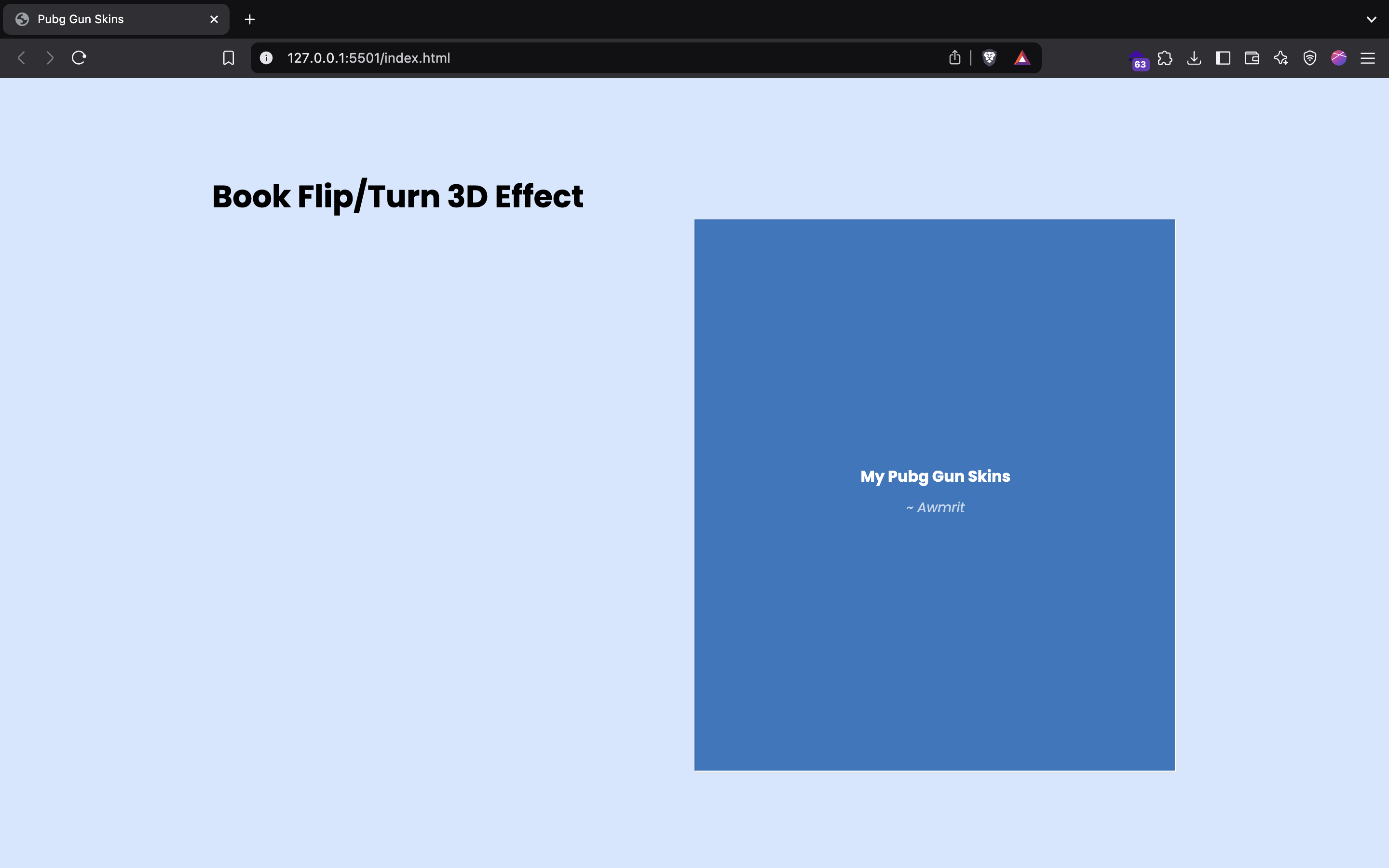
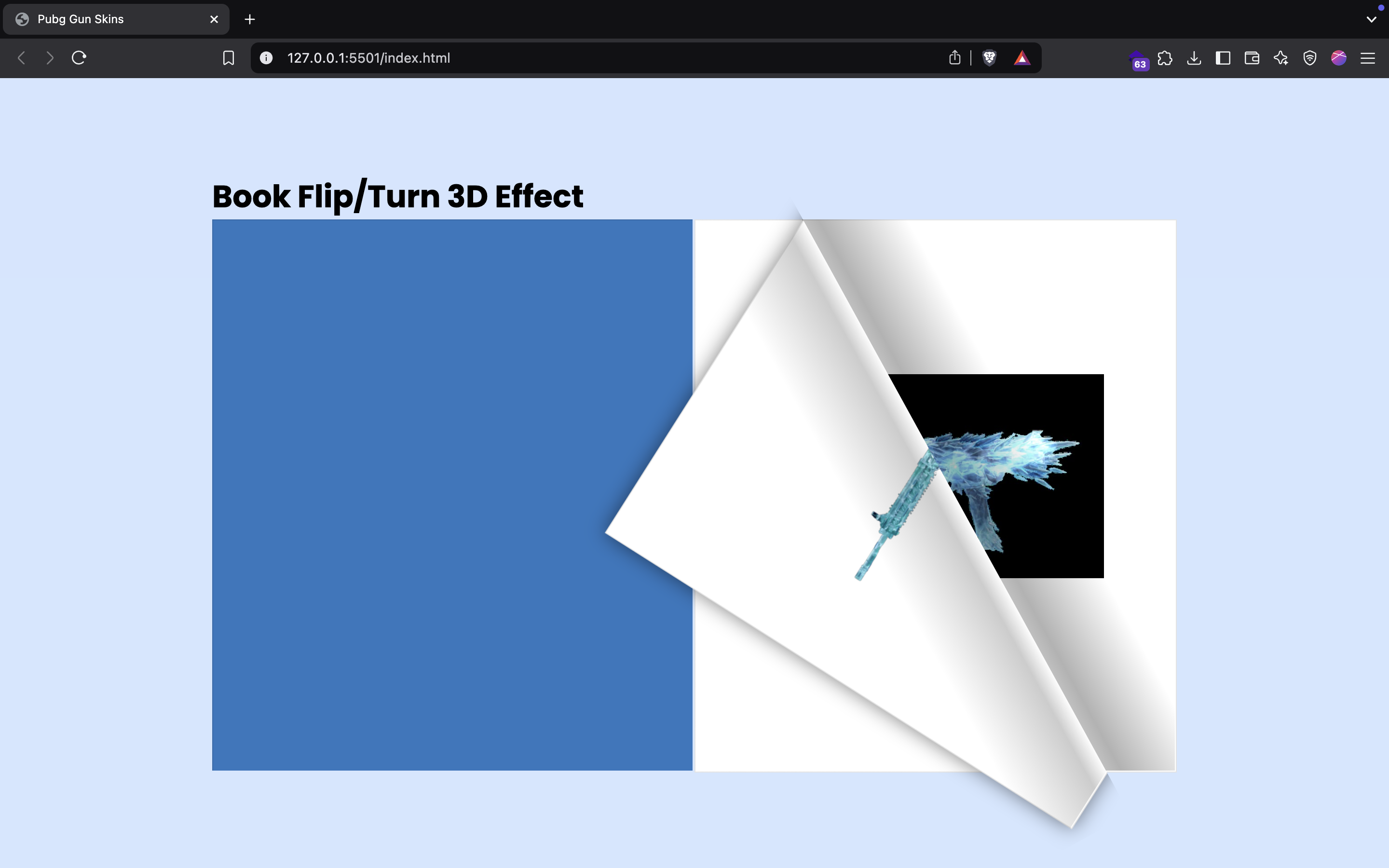
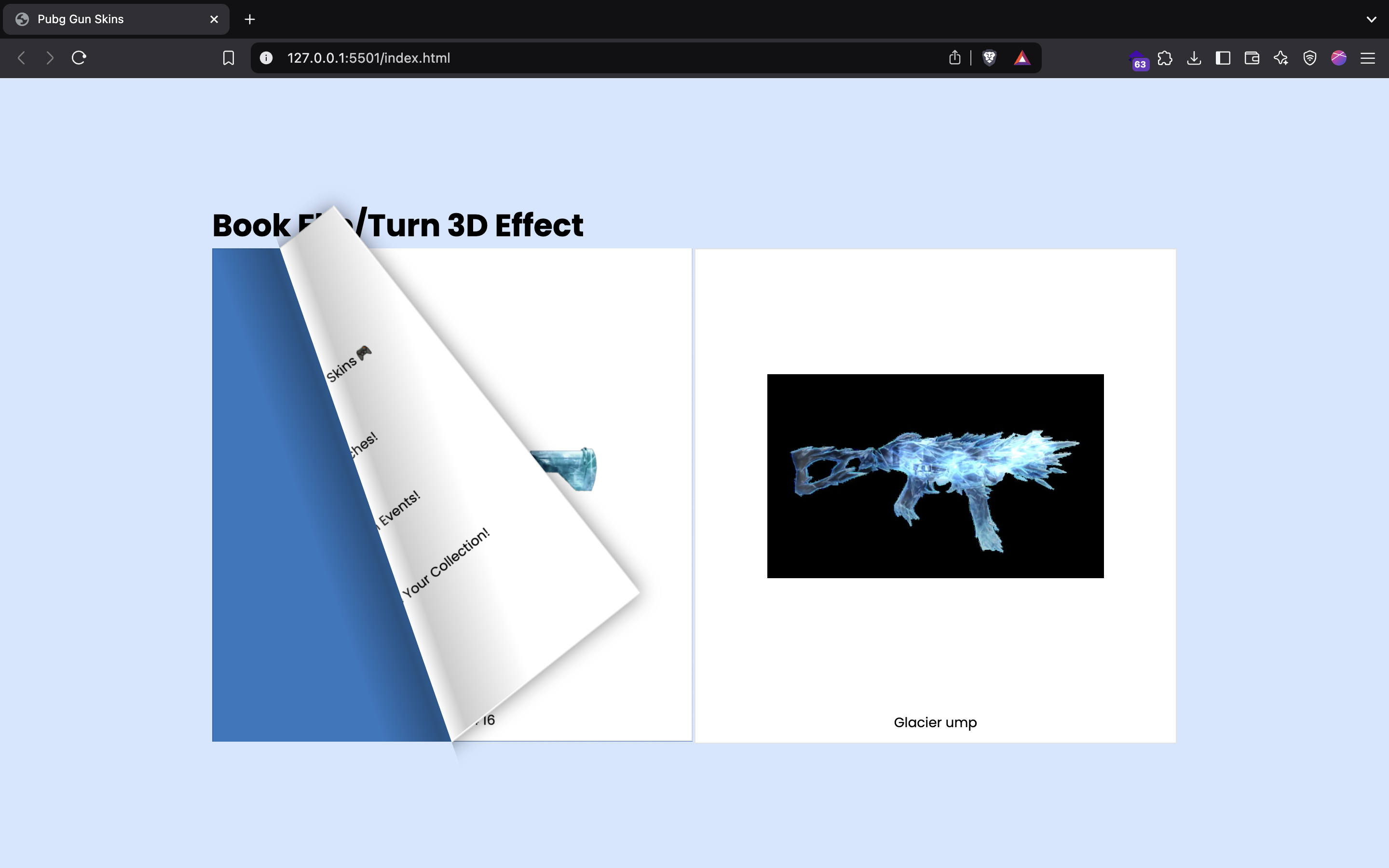
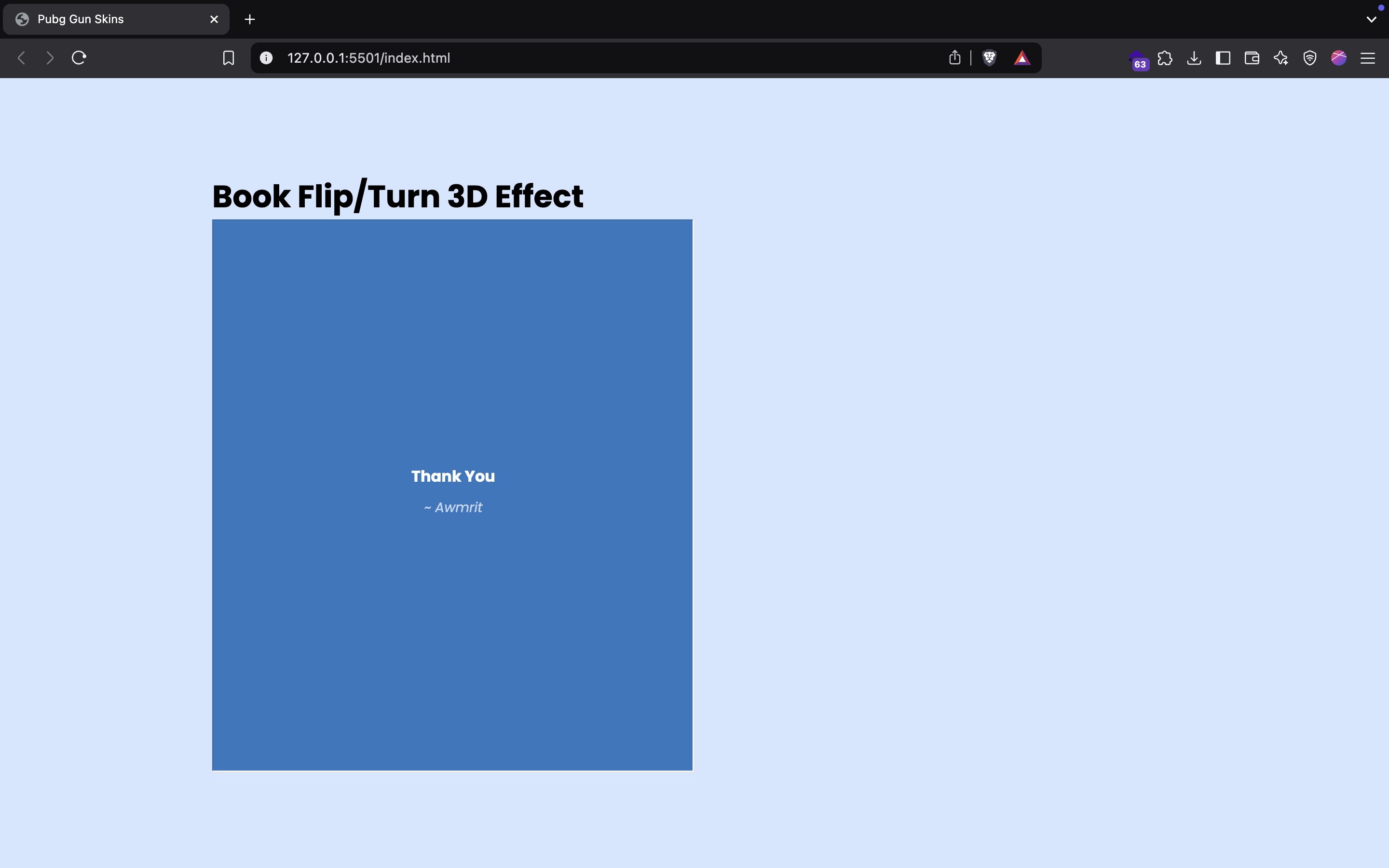
Here are a few examples of the content that can be featured in the flipbook:
Conclusion
The Book Flip / Turn 3D Effect project is a free-to-use tool that beautifully combines functionality with an engaging user interface. It serves as an excellent example of how to create interactive web applications that captivate users and enhance their experience.
You can find the complete project on GitHub: Book Flip / Turn 3D Effect.
Explore, contribute, and enjoy the immersive experience of flipping through digital content!
Feel free to replace path/to/imageX.jpg with the actual paths to your images and adjust any text as needed!
Comments
Join the discussionNice, thanks